
HuntAssist for iPhone
Hunting prep,
simplified.
Maps. Weather. Logs.
Your hunting places, forecasts and field records in one app.
Free for life for beta testers who provide feedback.
iPhone beta. Install with TestFlight.
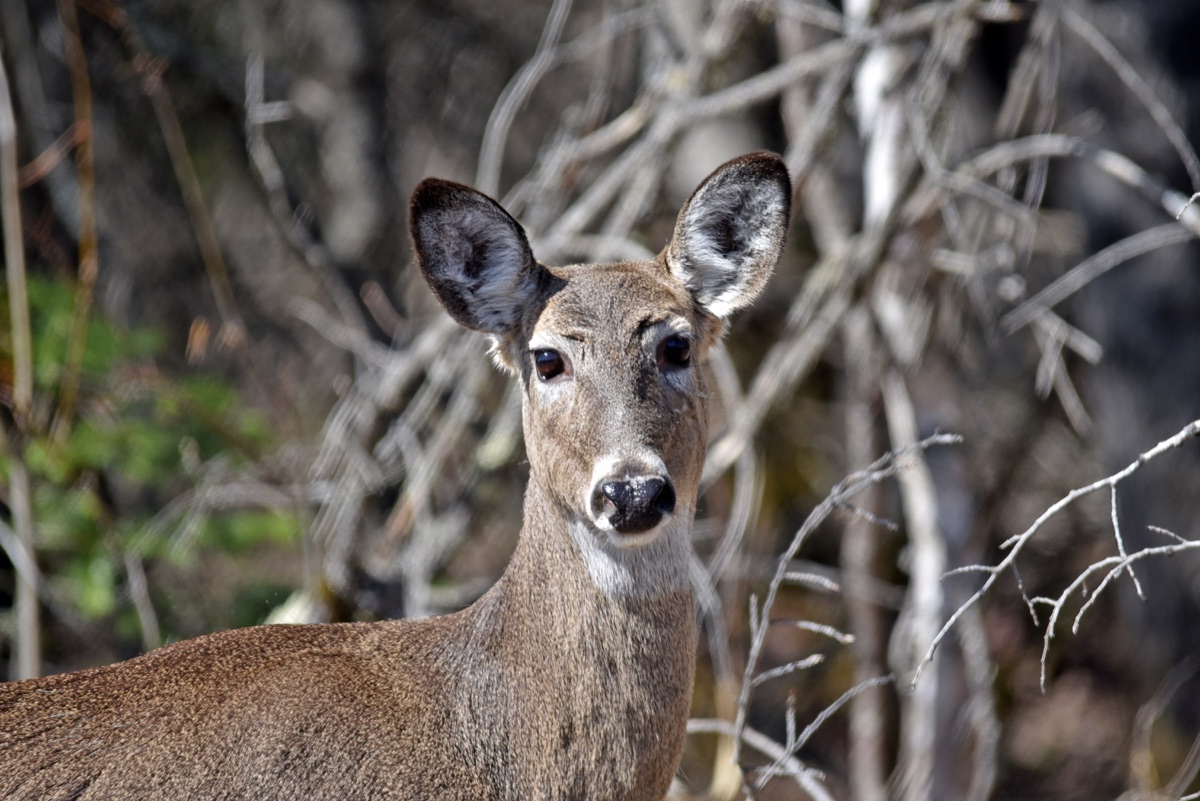
Female · 1 seen
Crossed the trail toward the ridge.
Before the hunt
Maps
Know where you’re going.
Mark an access point, save a stand and outline the ground you plan to hunt.
- Saved pins and areas
- Maps downloaded for offline use
- Property lines in MA, VT and WI
More about maps & offline use
Download maps while connected, check that they are ready, and stay within the saved area and zoom detail. Map downloads remain on the phone.
Property coverage and owner information vary. Confirm boundaries and access with the landowner.
Before you head out
Weather
Check conditions before you go.
Review the NOAA/National Weather Service forecast as part of your hunt prep.
- NOAA/NWS weather in the app
- A connection is needed for fresh forecasts
More about weather
Check the current forecast while you have a connection. Fresh weather is unavailable offline.
HuntAssist does not predict deer movement.
03 During & after the hunt
Logs
Keep the details you’ll want later.
Report a deer sighting, add notes and photos, and record your hunt with GPS when you choose.
- Sightings with species, sex and count
- Notes, photos and recorded tracks
- Rifle, ammunition and range records
More about logs & backup
Revisit your saved outings before returning. Guest records stay on your phone. Sign in for supported private backup and restore.
Backup does not currently copy image files. Keep your original photos.
White-tailed deer · sighting
- Sex
- Female
- Count
- 1 seen
- Note
- Crossed the trail toward the ridge.
GroupHunt
A shared map.
Your choice of records.
Share pins and areas with your group. Choose which photos, hunt notes and recorded tracks others can see.
More about GroupHunt & privacy
Group updates need an account and a connection. Opening an invitation does not automatically add someone to a group. Your other personal records remain private.
Early iPhone beta
Try HuntAssist.
Help shape what’s next.
Free for life for beta testers who provide feedback.
Join the TestFlight betaTestFlight shows current availability. No public App Store release yet.
- 01
Open the invitation on your iPhone
Use the beta link above.
- 02
Install TestFlight, then HuntAssist
Follow Apple’s steps. Check GPS permissions and download maps before going out.
- 03
Send feedback through TestFlight
Tell us what worked and what got in your way.
Beta questions
Before you install.
What works without cell service?
Local records and downloaded maps work offline. Download maps in advance and check the saved area and zoom detail. Fresh weather, GroupHunt updates and cloud backup or restore need a connection.
Do I need an account?
You can start with guest records on your phone. Sign in for supported private backup and restore, or GroupHunt. Keep your original photos; backup does not currently copy image files.
How does the lifetime-free beta offer work?
Free for life for beta testers who provide feedback.
What should I expect from the beta?
Features can change and bugs can happen. Try a local outing and check your setup before relying on it in the field. Report issues through HuntAssist’s page in TestFlight.